Sound Design
Silence, soundscapes, and the psychology of guilt
Text source: DNA by Dennis Kelly. Any short script phrase on this page is used to support practical sound analysis.
Design the silence
In DNA, silence is an effect. Don’t just write “it goes quiet”. Explain what the audience hears instead (breath, rustling, chewing), and how a low-frequency drone can make silence feel heavy.
Sound worlds you could build
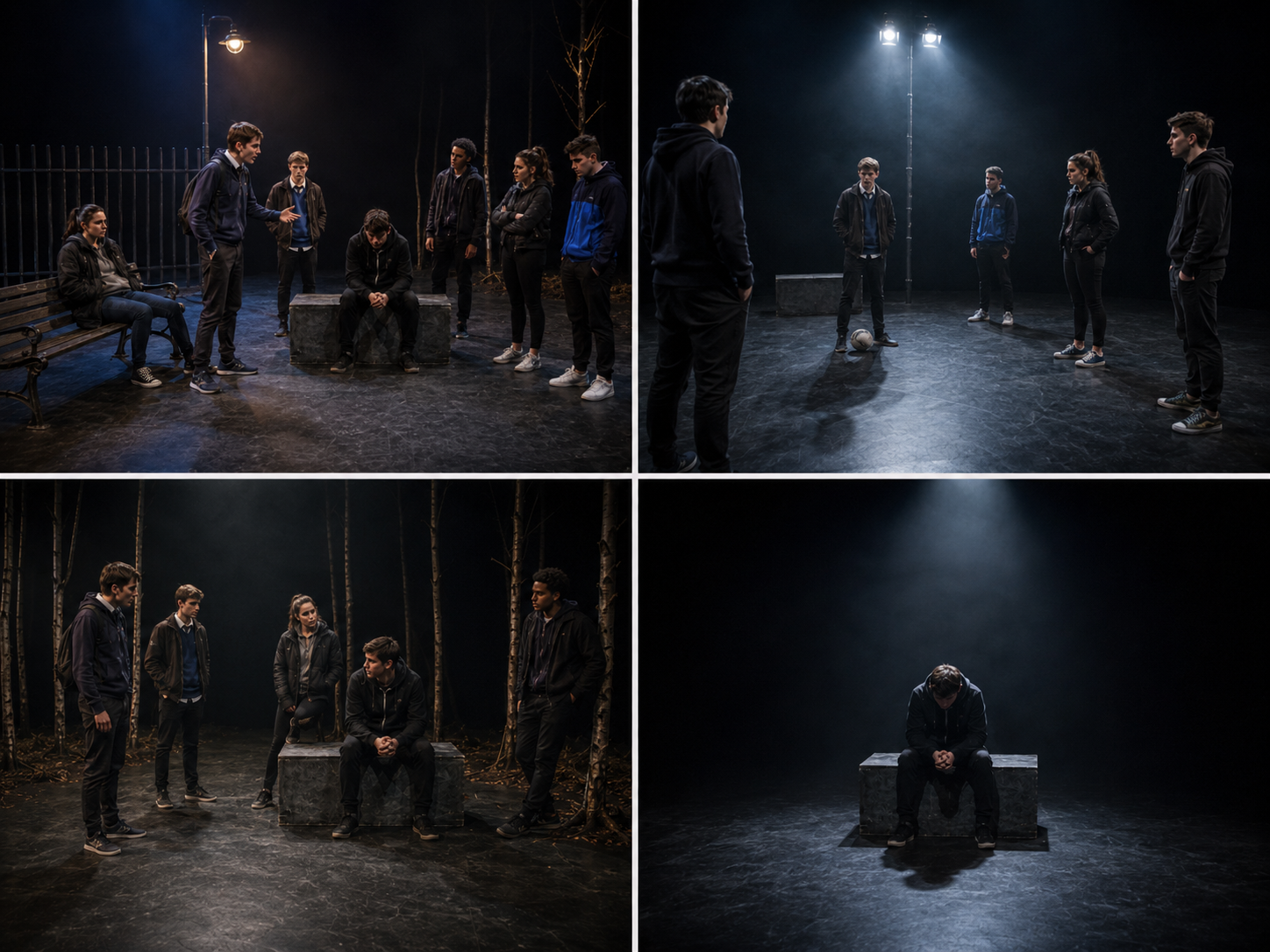
What should the audience hear here?
Make the sound answer the moment. If the group is panicking, the world can narrow. If Phil is calmly controlling the scene, near-silence can be more disturbing than a busy underscore.
Ready · Original Stark Drama demonstration audio. It is not taken from a professional production or published score. No autoplay.
Hostile woods
Distorted wind and isolated twig snaps can make the woods feel alert and uncomfortable. Keep the sounds sparse enough that the audience still notices silence.
📝 AO3/AO4 Response Builder
Use these as starting points, then adapt the detail to the exact extract and moment you are answering.
| Design Element (What) | Impact Justification (Why) | Key Terminology |
|---|---|---|
| A snap to absolute silence when Phil speaks, underscored only by a non-diegetic low-frequency bass drone. | The silence draws attention to Phil’s control. A low bass drone can add physical pressure and make the calm delivery feel increasingly uncomfortable. | Non-diegetic Low-frequency Drone Silence / Tension |