For teachers
Staffroom
Preview what pupils will see, then open presenter-ready demonstrations and teaching notes when you are ready to teach.
Classroom tools
Teach with Lighting Lab
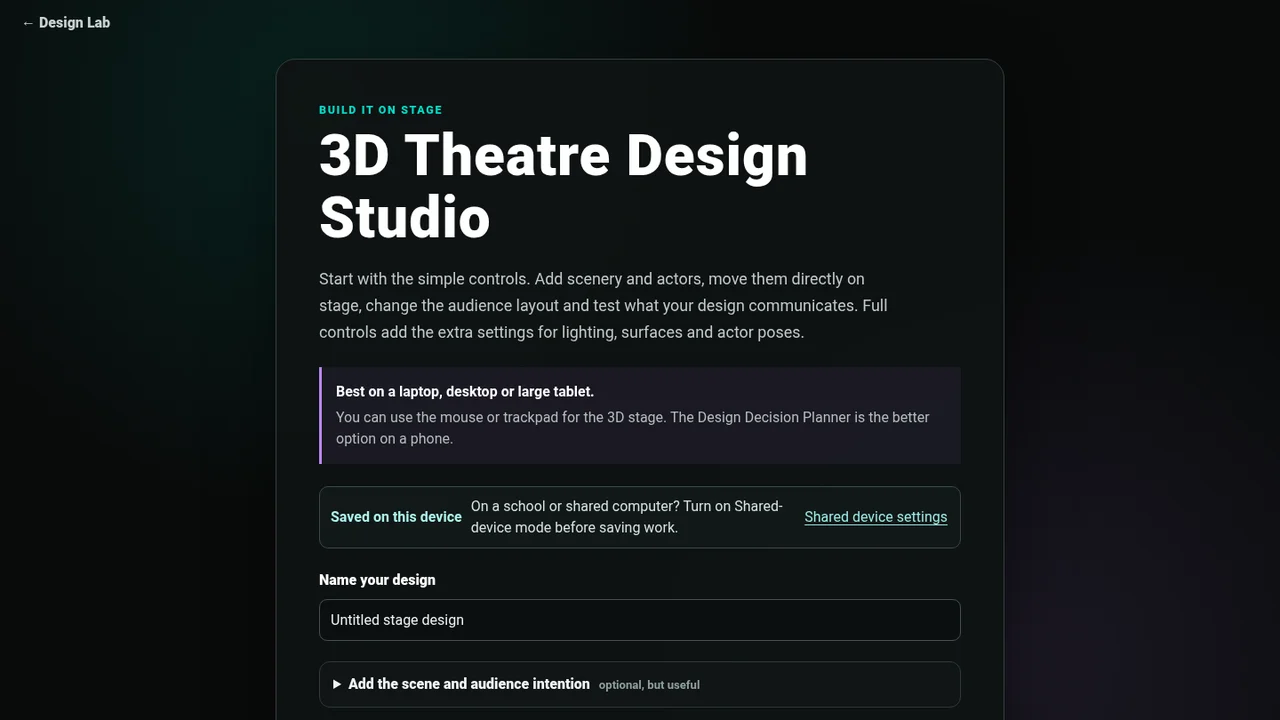
Use the new standalone 3D lab for demonstrations, teacher prompts, A/B states, cue transitions, staging and Presenter view.
Open Lighting Lab Launch Presenter view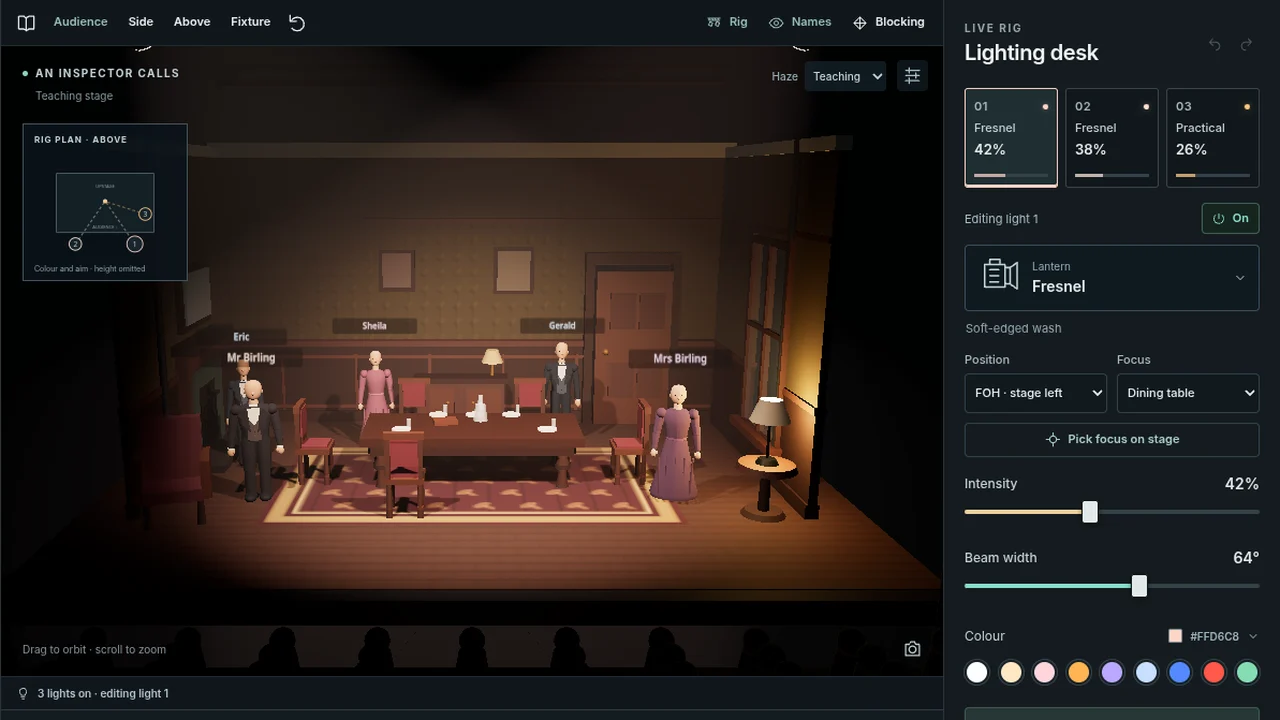
Start with a set-text scene
An Inspector Calls
Teach Priestley’s lighting change on a ready-made Birling dining-room scene, compare A/B states and use Presenter view with the class.
Open scene →The Crucible
Teach domestic restraint, court scrutiny and final isolation, then compare end-on, thrust, in-the-round and traverse staging.
Open scene →DNA
Teach the street, field and wood as distinct spaces, then explore leadership, group pressure, concealment and audience relationship.
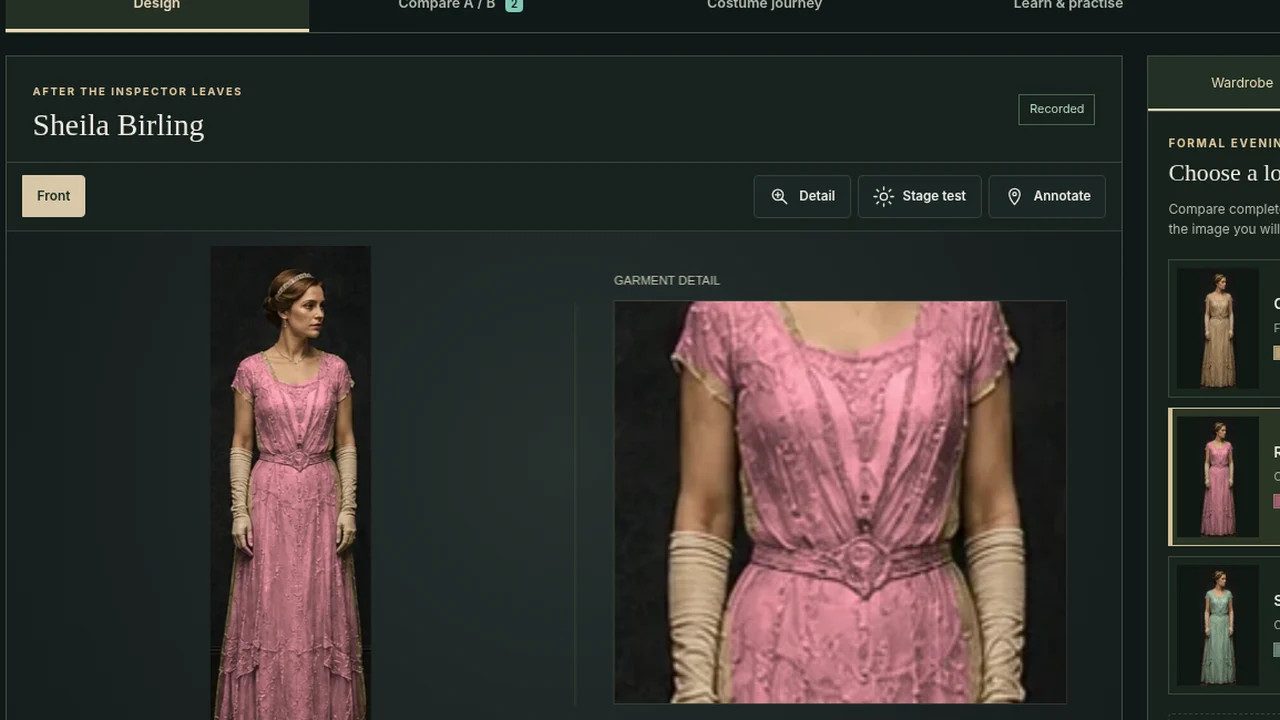
Open scene →Costume and production
A simple lesson workflow
- Before the lessonSkim Learn and Practise.
- While planningUse the teaching prompts for each topic.
- With the classOpen the Lighting Lab and switch to Presenter view when you want the stage to dominate the screen.