Lighting Design
Shadows, interrogations, and cold prison bars
Try it in the Lighting Lab
Load a live Crucible starter scene, change lanterns and focus, then move into Full Design to compare end-on, thrust, in-the-round and traverse staging.
Lighting State Simulator
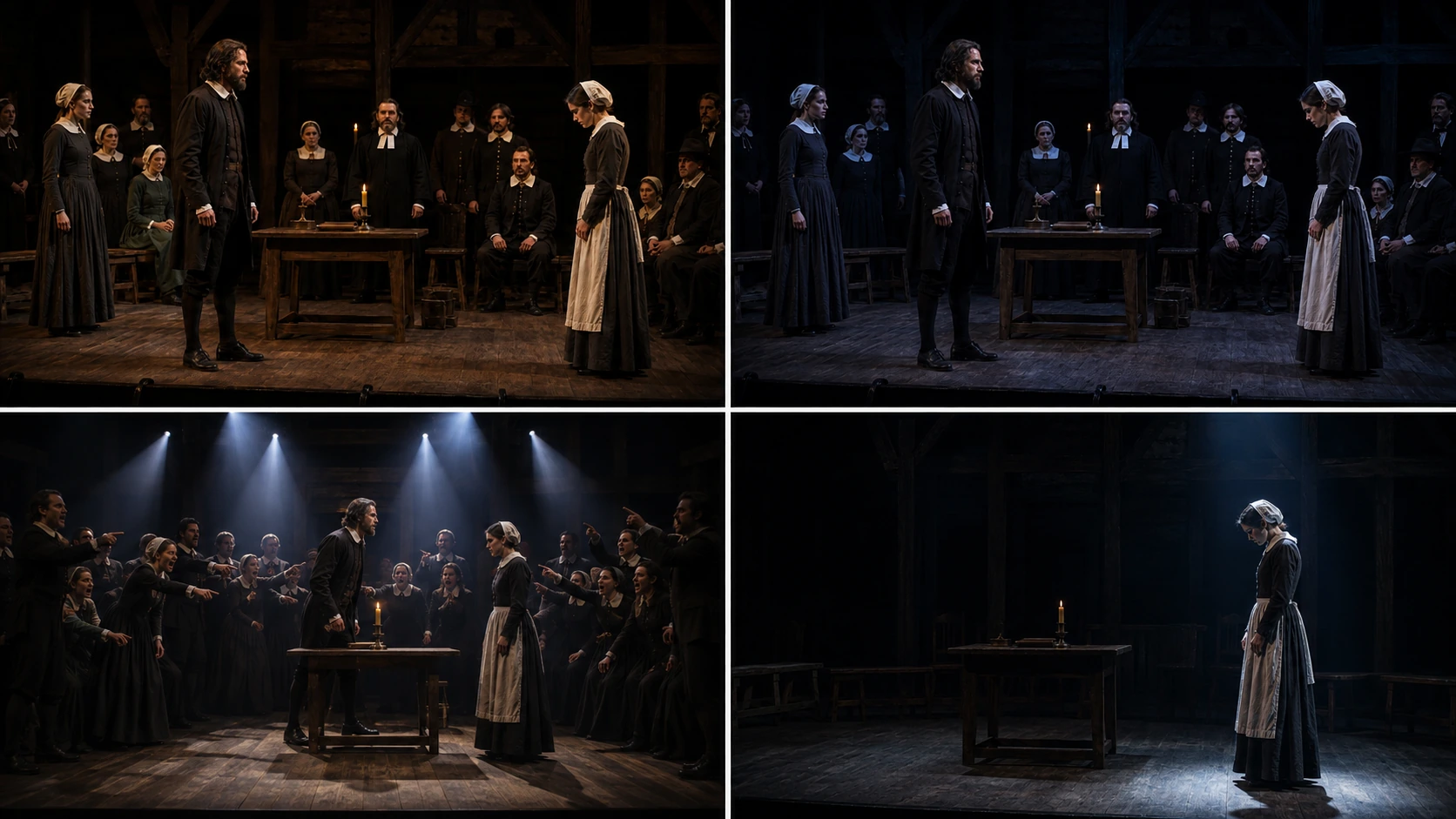
Concept 1: The Hearth & Shadows
The big idea: domestic scenes should look fire-lit and private, so paranoia lives in the darkness at the edge of the room.
Lighting Terminology Bank
Gobo
A stencil in a profile lantern. Bars gobos in Act 4 can trap characters in shadow without needing physical set pieces.
Cold / steel-blue gel
Removes warmth from the stage. Useful for the court and jail to show the absence of mercy and human softness.
Harsh top-lighting
Directly from above: eyes sink into shadow, faces look skeletal. Interrogation lighting = exposure and intimidation.
Practical light
A light source visible in the set (candles/lantern). Grounds 1692 realism and makes shadow feel earned.
📝 Exam Builder: Lighting paragraphs
Board-aware model paragraphs linking lighting choices → meaning → audience impact.
Synopsis & Journeys
From whispered rumours to the gallows.
Context & History
1692 Salem, Puritanism, McCarthy allegory.
Characters & Acting
Status, control, and ensemble hysteria.
Key Scenes & Proxemics
Forest / farmhouse / courtroom / jail staging.
Themes & Quotes
Reputation, fear, authority — performance-led.
Design Elements
Set / lighting / sound / costume.