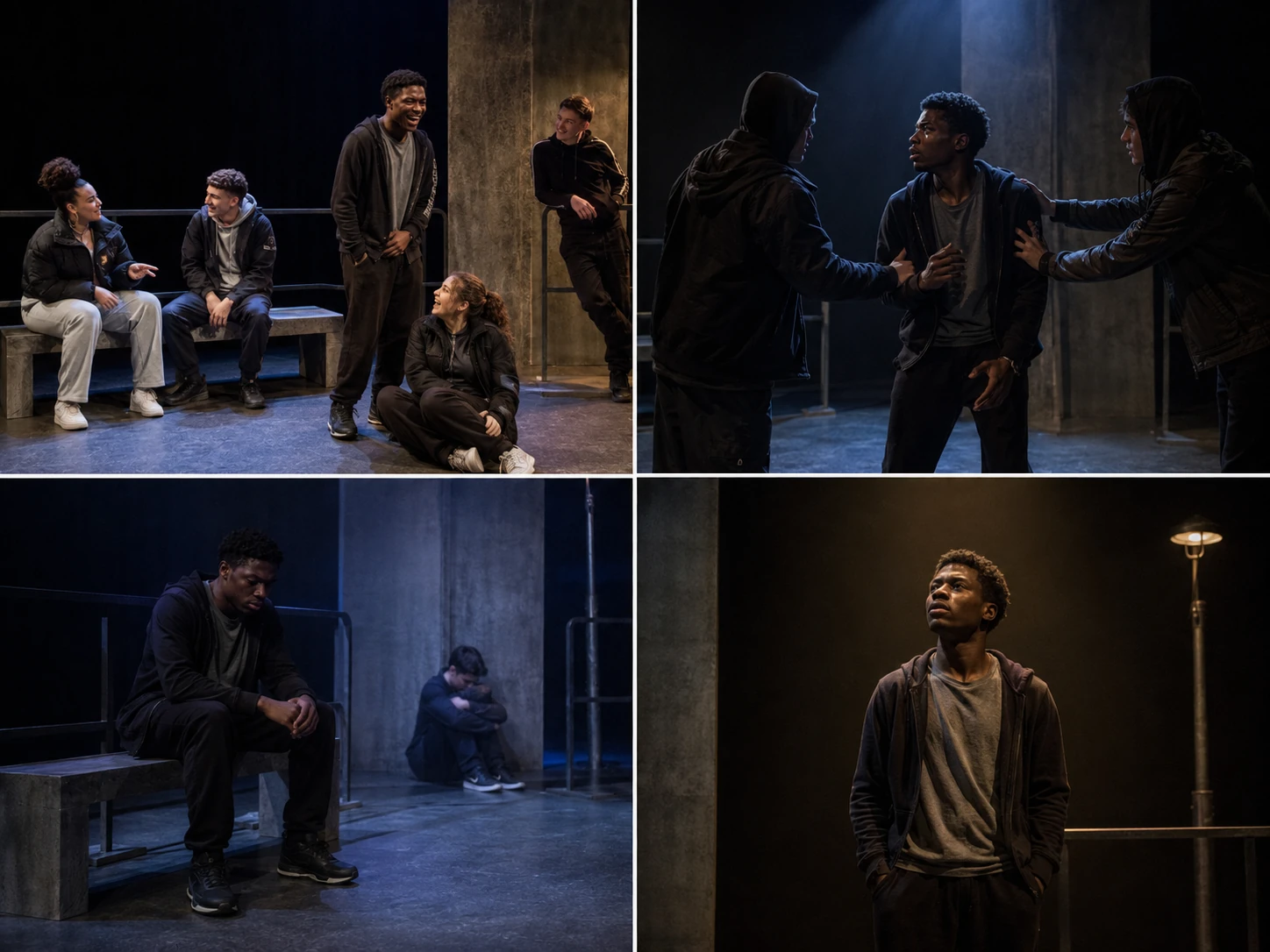
Use productions to compare choices, not to copy them mechanically.
Stark Drama teaching reconstruction — not a photograph of a documented professional production. These images show the kinds of choices worth noticing when you do see a production: how the ensemble creates pressure, how violence is suggested without graphic realism, and how the same stage can move into recovery and reflection.
Important note
Compared with texts such as Macbeth or An Inspector Calls, online production archives for Face are thinner and less consistently documented. This page therefore focuses on what to look for in a professional interpretation and how to use it in an answer.
What a useful production can show
How Martin’s physicality changes after the attack
How the production handles visible injury sensitively
How peer-group identity is staged through proximity and costume
How flexible staging keeps the episodic structure clear
How sound and light shift the play from swagger to vulnerability
Questions to ask while watching
Is the production mainly realistic or stylised?
How is Martin’s face represented without overwhelming the acting?
Which relationships feel most changed after the attack?
How are racism and masculinity made theatrically visible?
What final image stays with the audience?
How to cite a production in an exam answer
Keep it short and functional: name the choice, explain what it communicated, then say how you would adapt or respond to it in your own interpretation. For example, you might say that a production used a sparse hospital setting and cold side-lighting to make Martin’s isolation visible, then explain how you would develop that idea further.